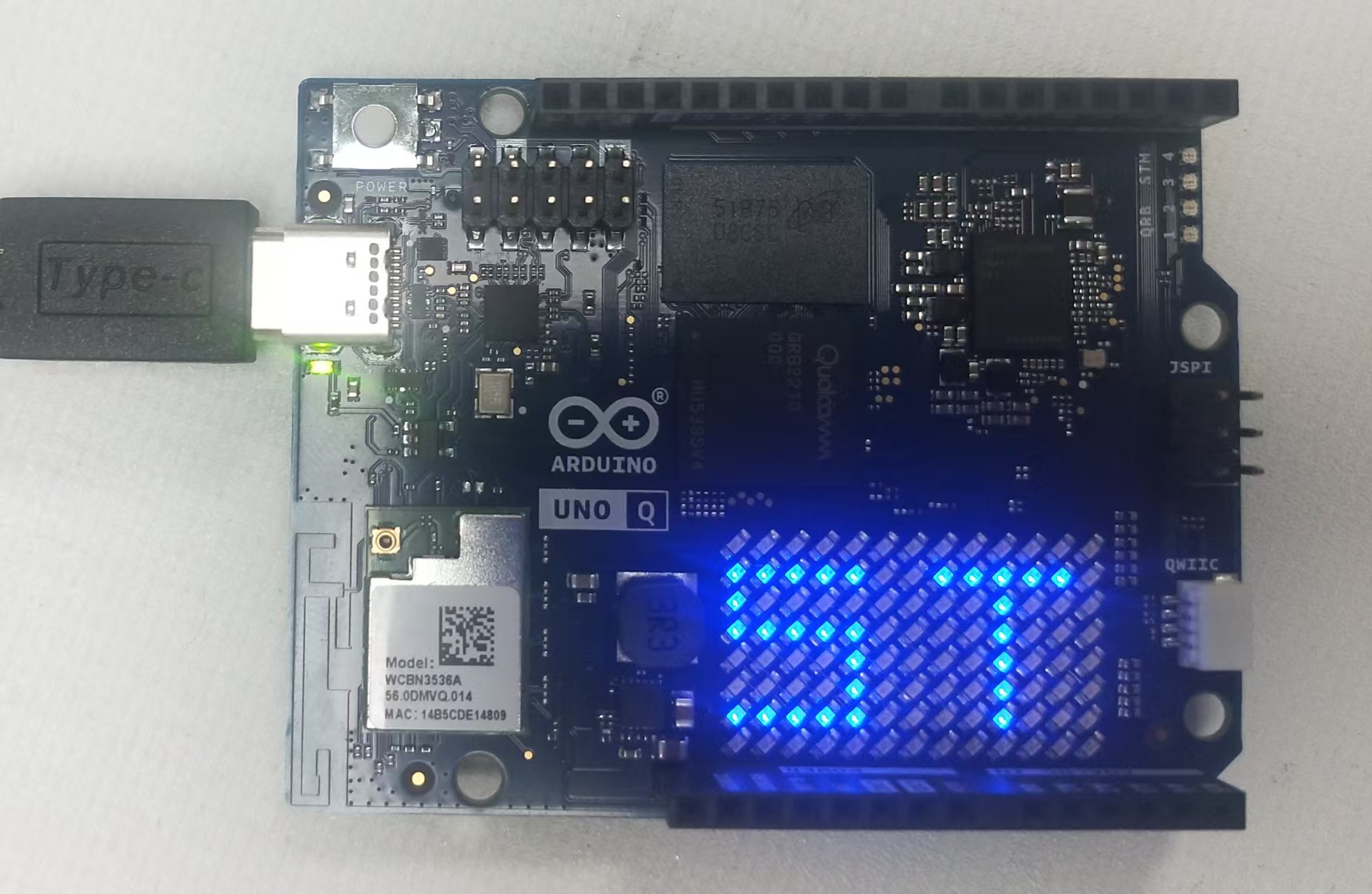
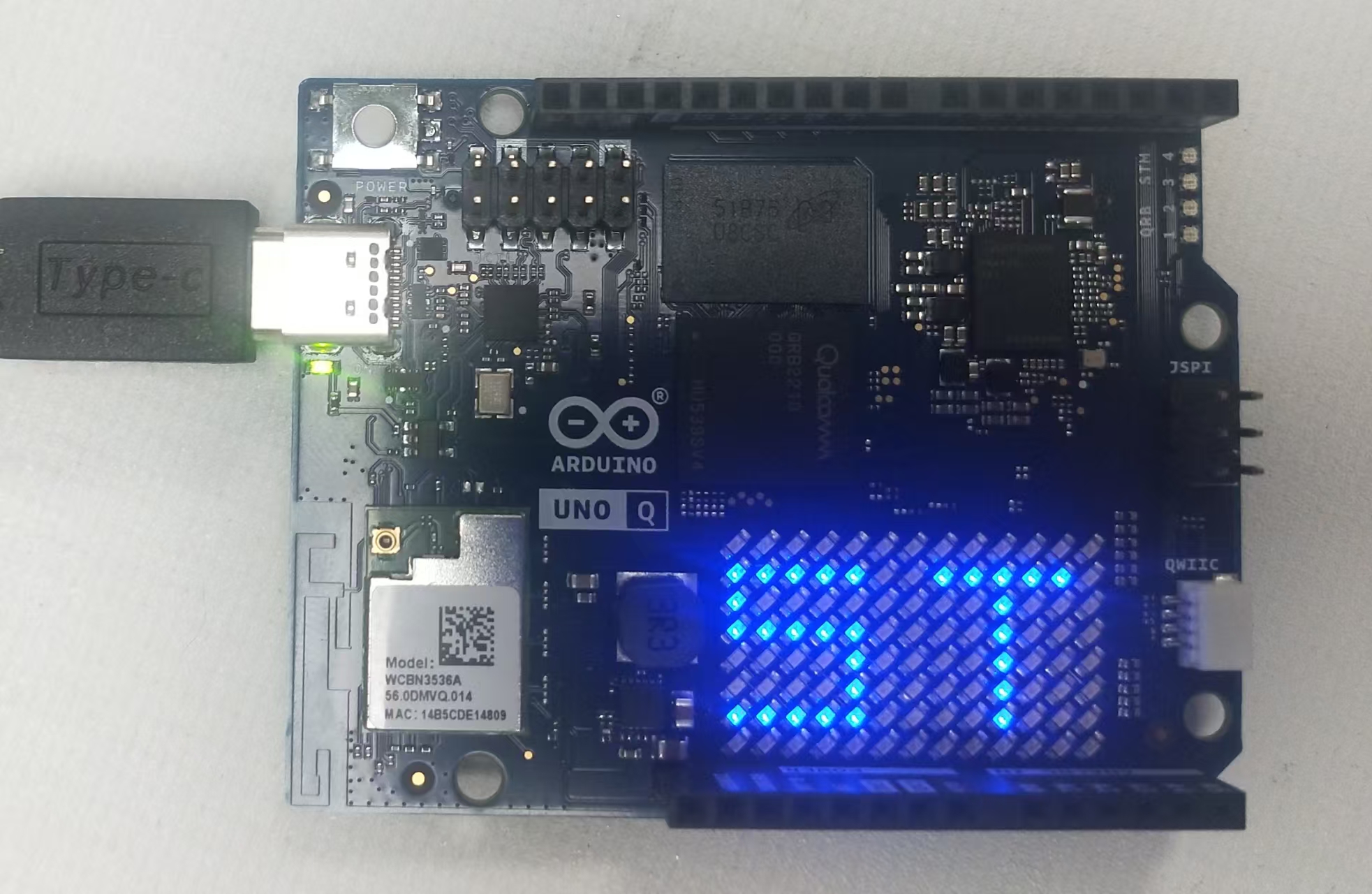
1 这个开发板是自带led点阵,这个其实是stm32U5来控制的。
可以任意书写,先来一个ST的logo
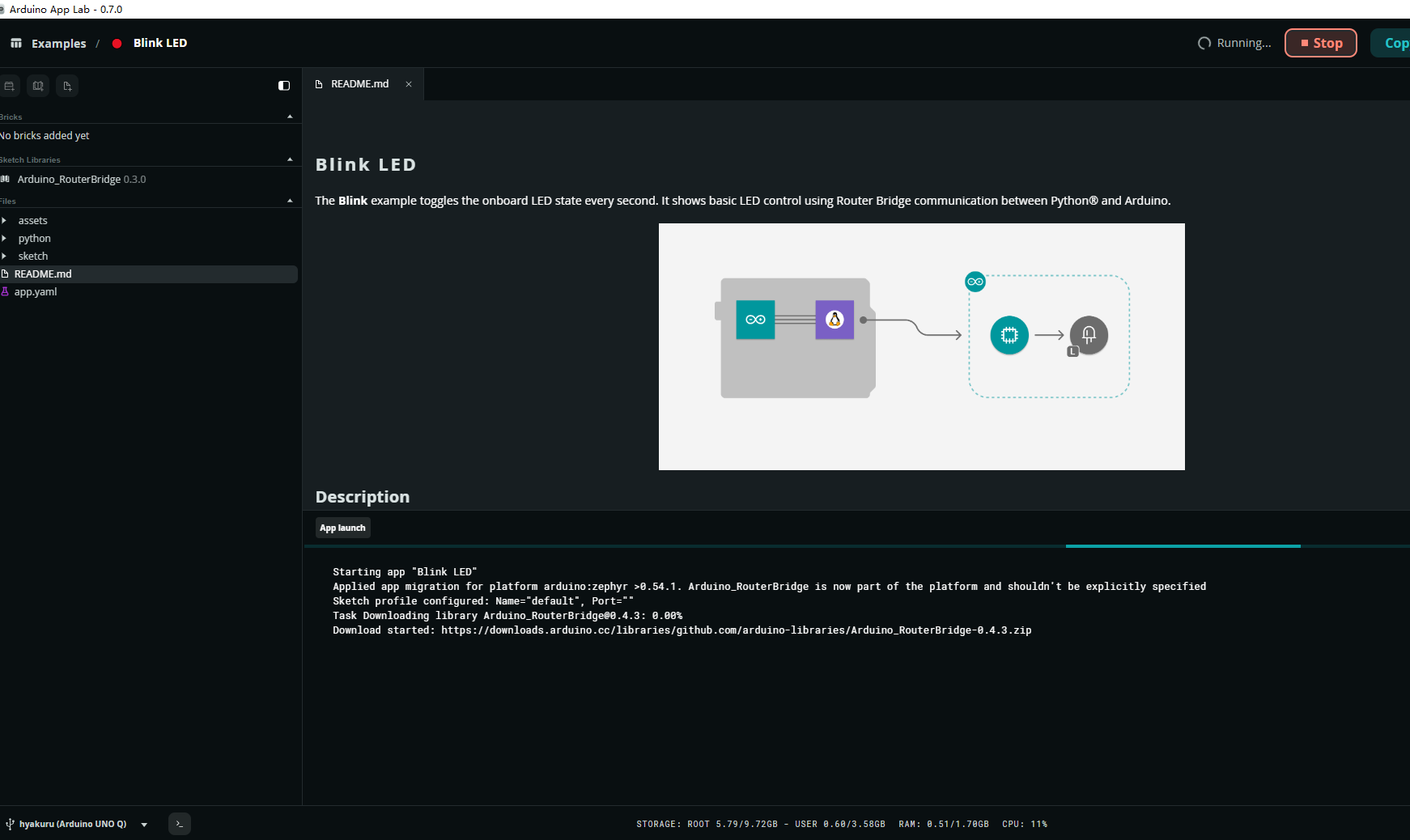
2使用Arduino APP LAB启动,然后找到启动的代码,这里是一个电灯,先stop,停掉它。
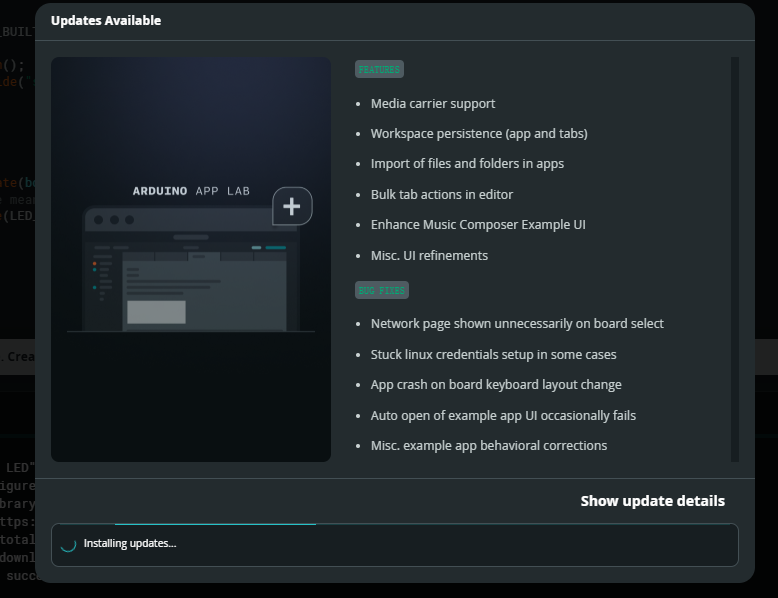
然后找到led matrix的范例,点击安装
安装完以后就跳出了,终端的web GUI控制页面、
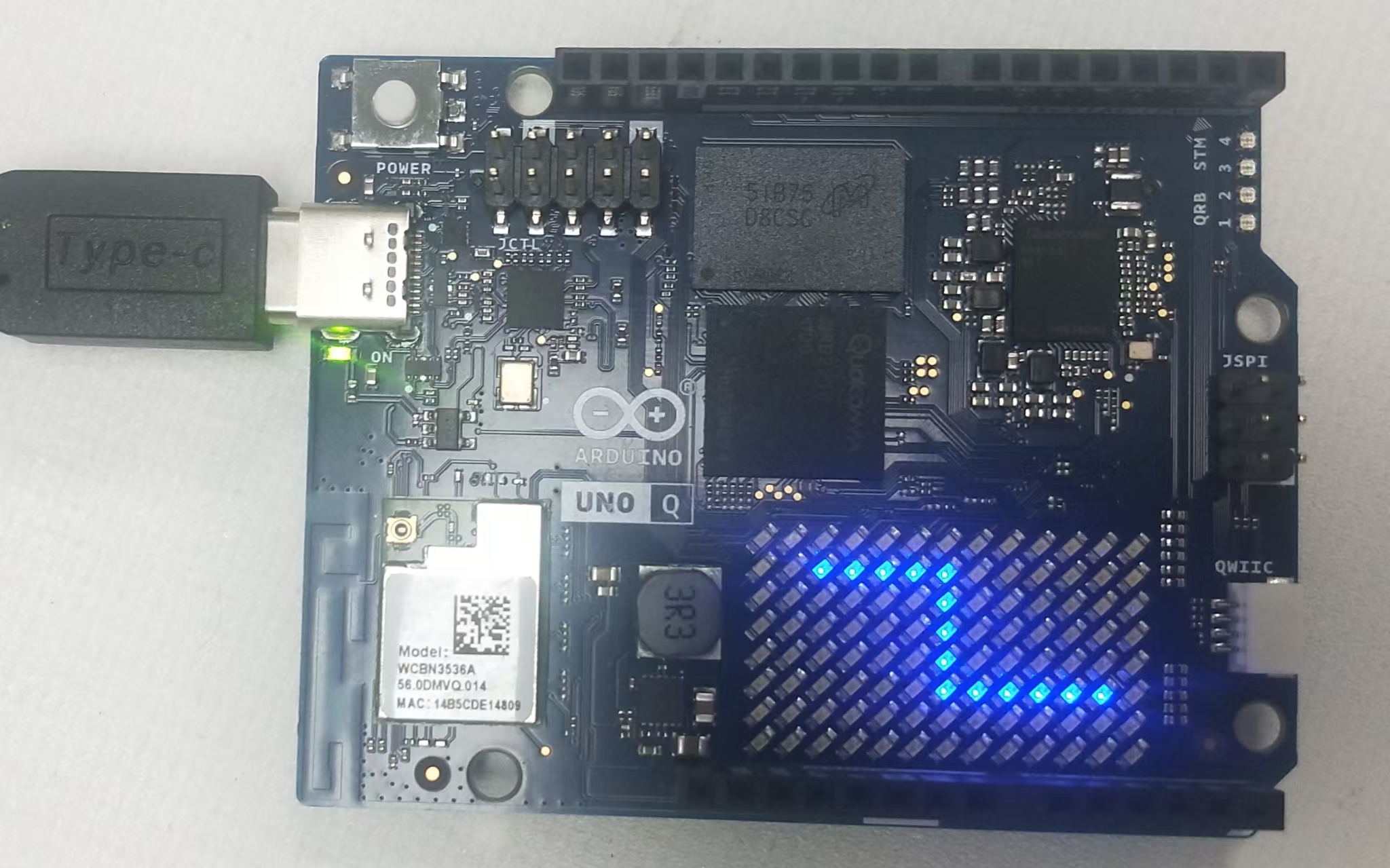
这个是一个交互页面,可以用鼠标绘图,结果就实时显示在点阵上,
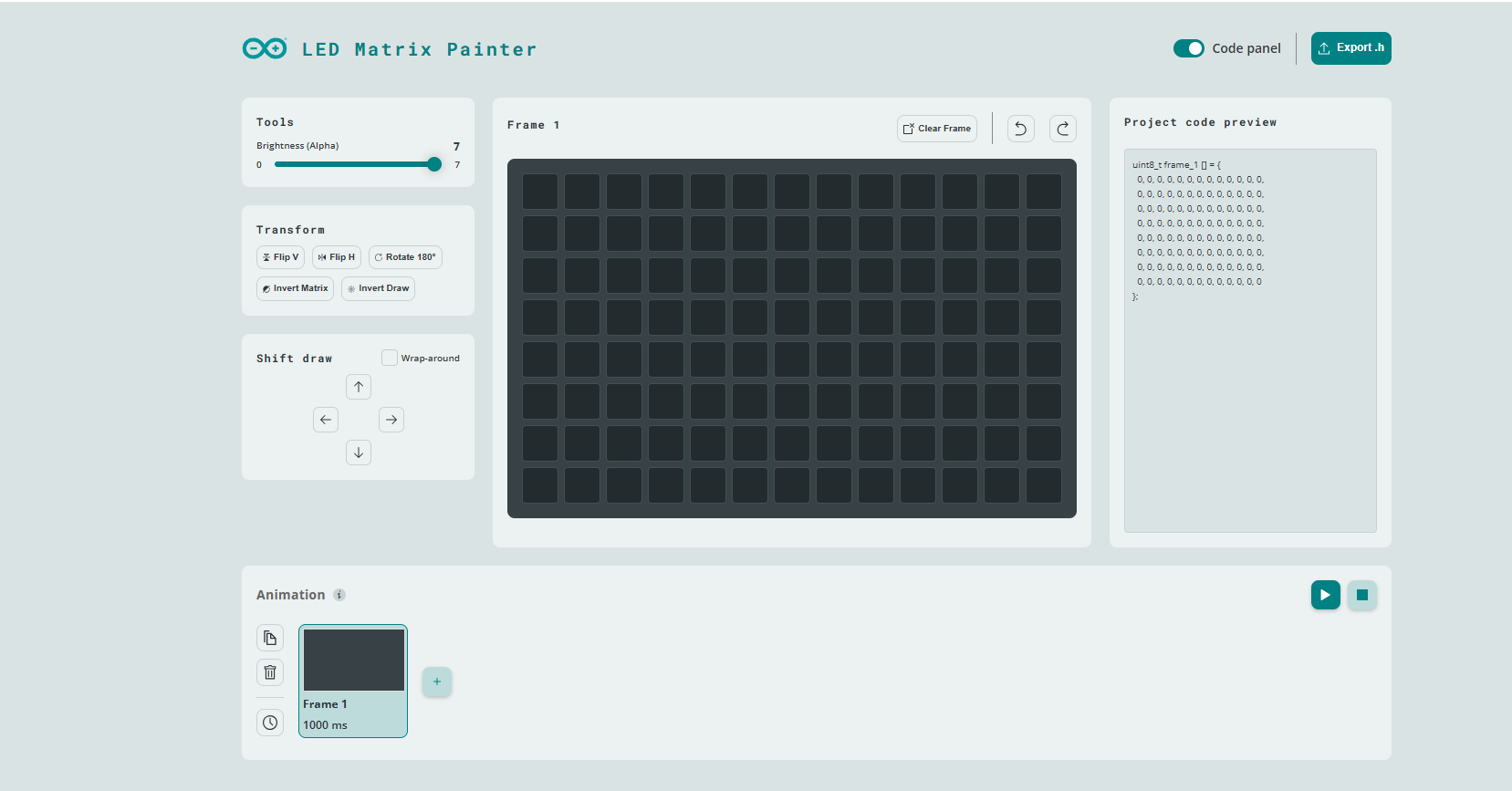
移动鼠标,画一条小蛇
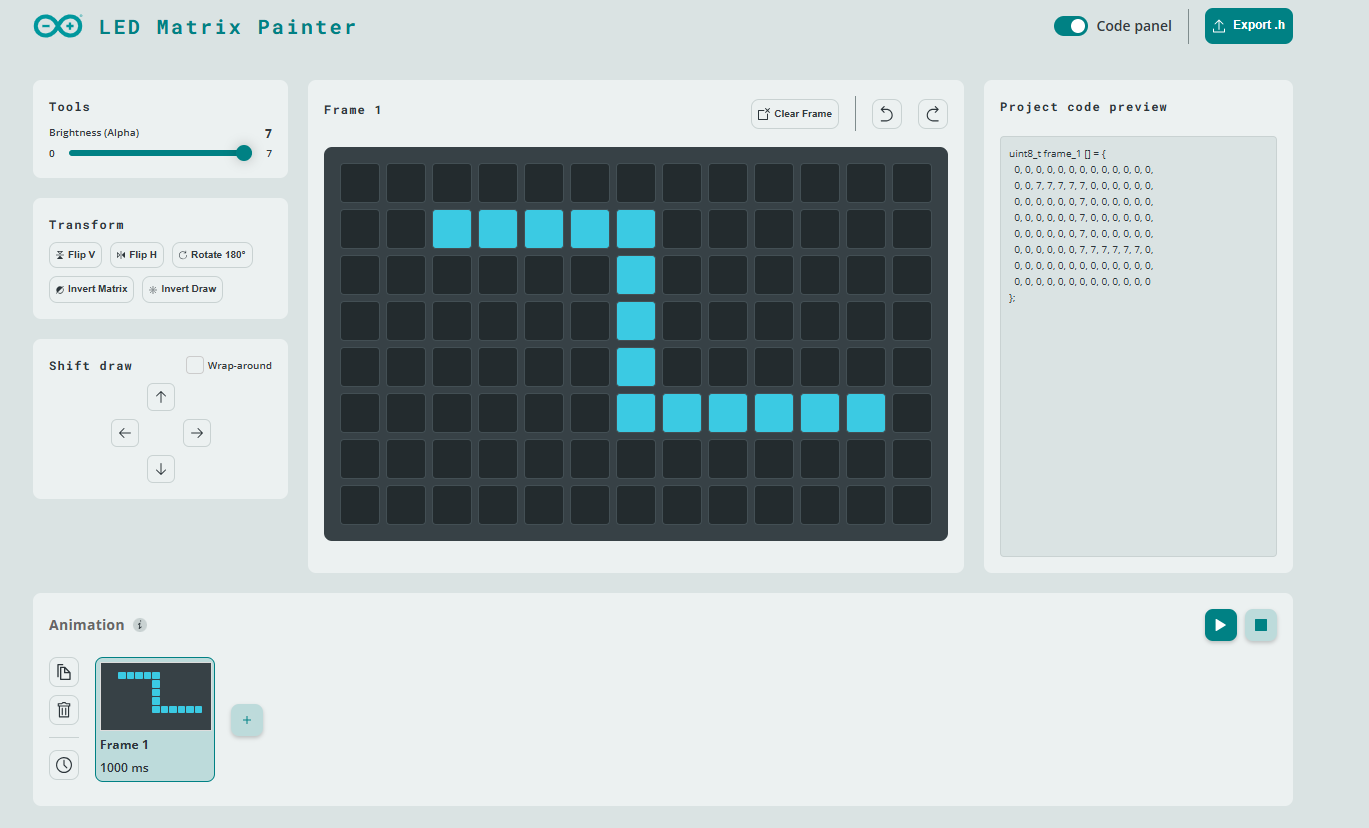
同步就出现了这个z形小蛇
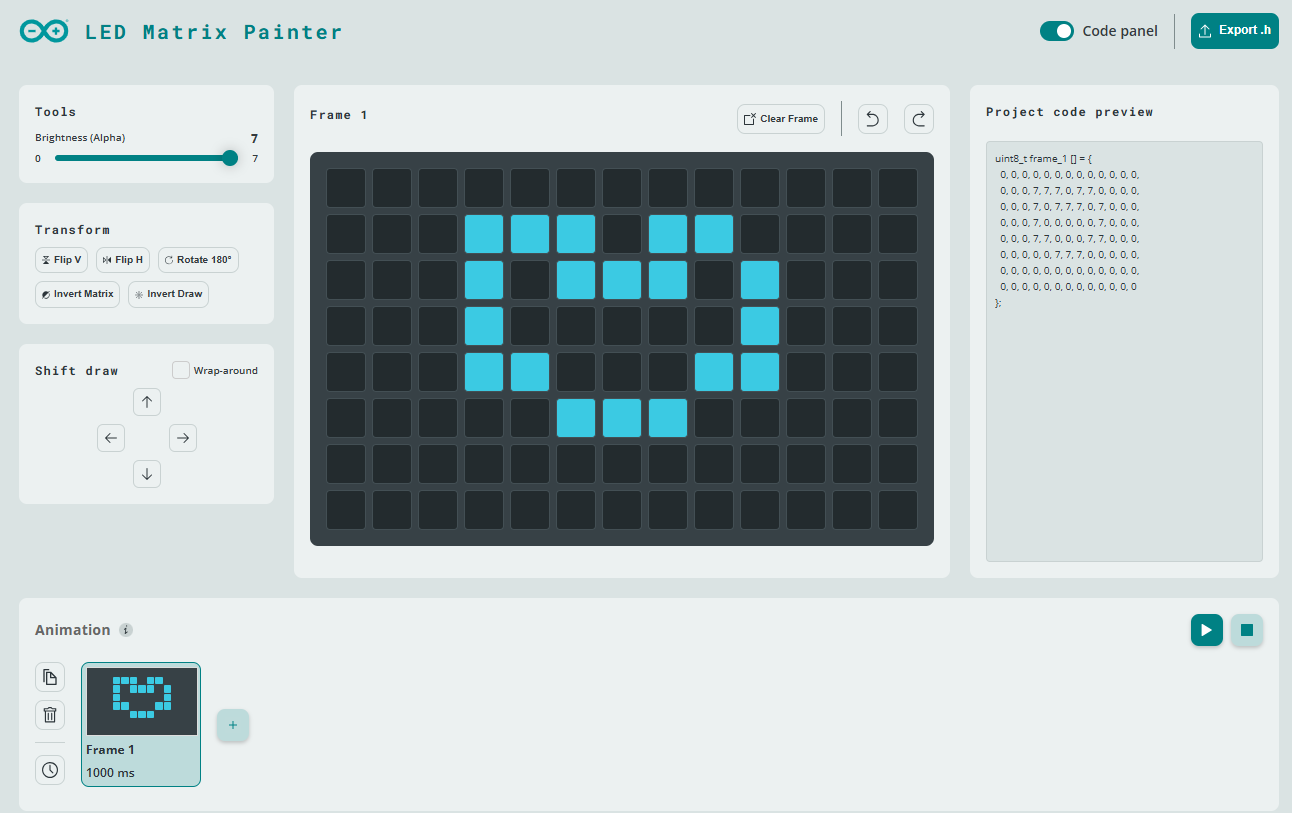
还可以画一个心形。
3 代码解析
下面是代码,
#include <Arduino_RouterBridge.h>
#include <Arduino_LED_Matrix.h>
#include <vector>
#include <zephyr/kernel.h>

Arduino_LED_Matrix matrix;

// Bridge providers run on a separate thread from loop().
// This mutex protects shared animation state and serializes LED matrix writes.
K_MUTEX_DEFINE(anim_mtx);

// Animation playback state
static const int MAX_FRAMES = 300;
static uint32_t animation_buf[MAX_FRAMES][5]; // 4 words + duration (ms)
static int animation_frame_count = 0;
static bool animation_running = false;
static int animation_current_frame = 0;
static unsigned long animation_next_time = 0;

void setup() {
  matrix.begin();
  // Configure grayscale bits to 3 so the display accepts 0..7 brightness.
  // The backend sends quantized values in 0..(2^3-1) == 0..7.
  matrix.setGrayscaleBits(3);
  matrix.clear();

  Bridge.begin();
  Bridge.provide("draw", draw);
  Bridge.provide("load_frame", load_frame);
  Bridge.provide("play_animation", play_animation);
  Bridge.provide("stop_animation", stop_animation);
}

void loop() {
  // Keep loop fast and let animation_tick handle playback timing
  animation_tick();
}

// --- Bridge providers --------------------------------------------------------

void draw(std::vector<uint8_t> frame) {
  if (frame.empty()) return;

  k_mutex_lock(&anim_mtx, K_FOREVER);
  matrix.draw(frame.data());
  k_mutex_unlock(&anim_mtx);
}

void load_frame(std::array<uint32_t, 5> data) {
  if (data.empty()) return;

  k_mutex_lock(&anim_mtx, K_FOREVER);

  if (animation_frame_count >= MAX_FRAMES) {
    k_mutex_unlock(&anim_mtx);
    return;
  }

  int idx = animation_frame_count++;
  animation_buf[idx][0] = data[0];
  animation_buf[idx][1] = data[1];
  animation_buf[idx][2] = data[2];
  animation_buf[idx][3] = data[3];
  animation_buf[idx][4] = data[4];

  k_mutex_unlock(&anim_mtx);
}

void play_animation() {
  k_mutex_lock(&anim_mtx, K_FOREVER);
  animation_current_frame = 0;
  animation_running = true;
  animation_next_time = millis();
  k_mutex_unlock(&anim_mtx);
}

void stop_animation() {
  k_mutex_lock(&anim_mtx, K_FOREVER);
  animation_running = false;
  animation_frame_count = 0;
  animation_current_frame = 0;
  k_mutex_unlock(&anim_mtx);
}

// --- Animation engine --------------------------------------------------------

void animation_tick() {
  k_mutex_lock(&anim_mtx, K_FOREVER);

  if (!animation_running || animation_frame_count == 0) {
    k_mutex_unlock(&anim_mtx);
    return;
  }

  unsigned long now = millis();
  if (now < animation_next_time) {
    k_mutex_unlock(&anim_mtx);
    return;
  }

  int cur = animation_current_frame;

  // Prepare frame words (reverse bits as the library expects)
  uint32_t frame[4];
  frame[0] = reverse(animation_buf[cur][0]);
  frame[1] = reverse(animation_buf[cur][1]);
  frame[2] = reverse(animation_buf[cur][2]);
  frame[3] = reverse(animation_buf[cur][3]);

  // Schedule next frame
  uint32_t interval = animation_buf[cur][4];
  if (interval == 0) interval = 1;
  animation_next_time = now + interval;

  animation_current_frame++;
  if (animation_current_frame >= animation_frame_count) {
    animation_running = false;
    animation_frame_count = 0;
    animation_current_frame = 0;
  }

  // Display frame while still under lock to prevent draw() interference
  matrixWrite(frame);

  k_mutex_unlock(&anim_mtx);
}
在这个代码中,具体解析来自高通芯片的数据解析,然后直接把数据组分别加载到led点阵。
就可以显示下述的效果。 | 




 微信公众号
微信公众号
 手机版
手机版