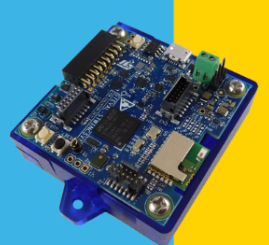
在STEVAL-STWINKT1B提供的SDK中是有IMU数据导出的 可以选择将数据存储至SD卡中或者USB发送到上位机中。
stsw-stwinkt01\STSW-STWINKT01_V2.2.0\Projects\Serial_DataLog
工程路径如上
工程中已经有提供编译好的bin文件 我们只需要直接烧录进去即可
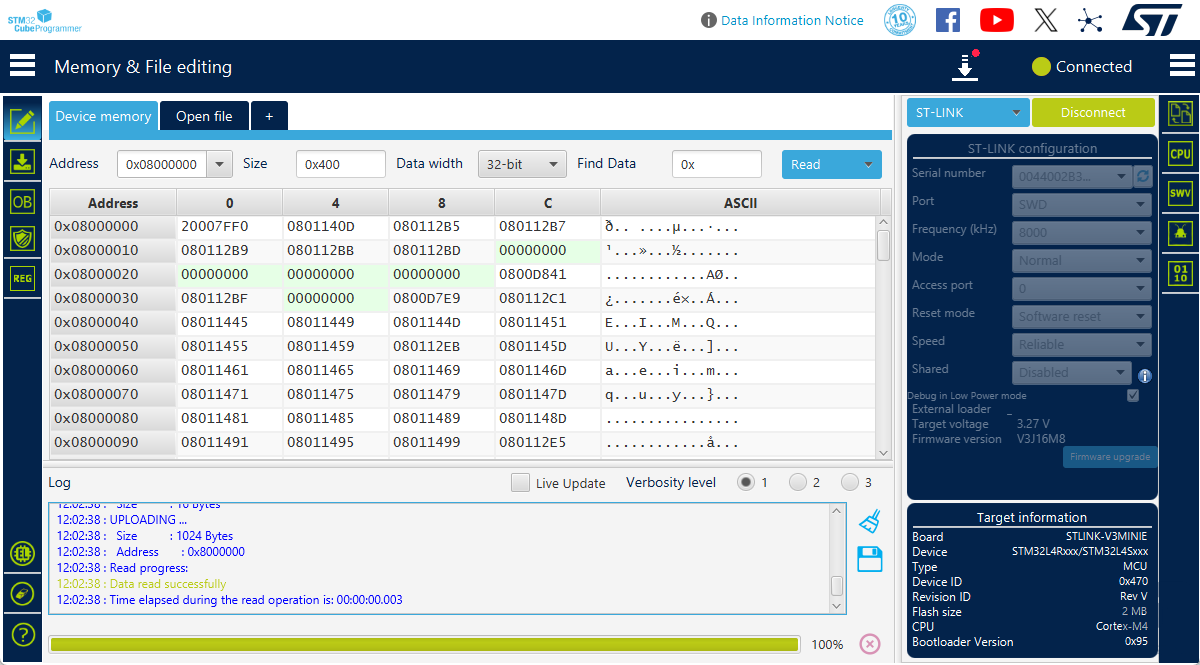
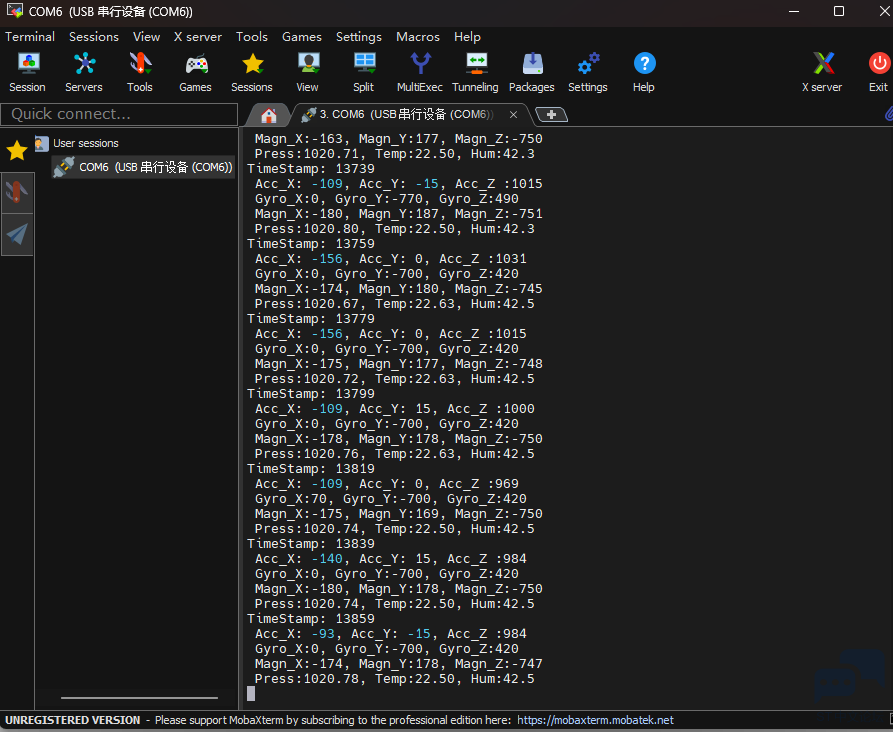
烧录完毕后需要连接板子上的USB口 使用VCP来打印数据
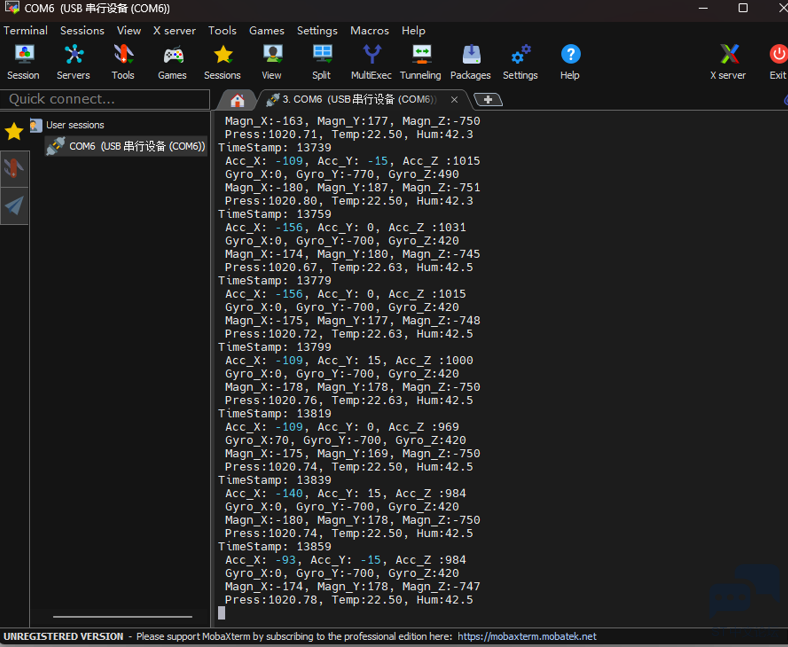
使用串口软件打开

static void GetData_Thread(void const *argument)
{
  (void) argument;
  T_SensorsData *mptr;

  sensorPool_id = osPoolCreate(osPool(sensorPool));
  dataQueue_id = osMessageCreate(osMessageQ(dataqueue), NULL);

  readDataSem_id = osSemaphoreCreate(osSemaphore(readDataSem), 1);
  osSemaphoreWait(readDataSem_id, osWaitForever);

  doubleTapSem_id = osSemaphoreCreate(osSemaphore(doubleTapSem), 1);
  osSemaphoreWait(doubleTapSem_id, osWaitForever);

  /* Initialize and Enable the available sensors */
  MX_X_CUBE_MEMS1_Init();

  if(LoggingInterface == USB_Datalog)
  {
    dataTimerStart();
  }

  for (;;)
  {
    osSemaphoreWait(readDataSem_id, osWaitForever);
    if(MEMSInterrupt && LoggingInterface == SDCARD_Datalog)
    {
      MEMSInterrupt = 0;
      if(1)
      {
        if(SD_Log_Enabled)
        {
          dataTimerStop();
          osMessagePut(dataQueue_id, MSG_ENABLE_DISABLE, osWaitForever);
        }
        else
        {
          osMessagePut(dataQueue_id, MSG_ENABLE_DISABLE, osWaitForever);
        }
      }
    }
    else
    {
    /* Try to allocate a memory block and check if is not NULL */
    mptr = osPoolAlloc(sensorPool_id);
    if(mptr != NULL)
    {
      /* Get Data from Sensors */
      if(getSensorsData(mptr) == BSP_ERROR_NONE)
      {
        /* Push the new memory Block in the Data Queue */
        if(osMessagePut(dataQueue_id, (uint32_t)mptr, osWaitForever) != osOK)
        {
          _Error_Handler();
        }
      }
      else
      {
        _Error_Handler();
      }
    }
    else
    {
      _Error_Handler();
    }
  }
}
}
使用内存池分配并管理内存,避免频繁的内存分配释放,线程间通信使用消息队列实现,可以做到异步采集和高效传输。
写数据线程实现如下
/**
  * @brief  Write data in the queue on file or streaming via USB
  * @param  argument not used
  * @retval None
  */
static void WriteData_Thread(void const *argument)
{
  (void) argument;
  osEvent evt;
  T_SensorsData *rptr;
  int size;
  char data_s[256];

  for (;;)
  {
    evt = osMessageGet(dataQueue_id, osWaitForever);  // wait for message
    if (evt.status == osEventMessage)
    {
      if(evt.value.v == MSG_ENABLE_DISABLE)
      {
        if (SD_Log_Enabled)
        {
          DATALOG_SD_Log_Disable();
          SD_Log_Enabled=0;
        }
        else
        {
          while(SD_Log_Enabled != 1)
          {
            if(DATALOG_SD_Log_Enable())
            {
              SD_Log_Enabled=1;
              osDelay(100);
              dataTimerStart();
            }
            else
            {
              DATALOG_SD_Log_Disable();
              DATALOG_SD_DeInit();
              DATALOG_SD_Init();
              osDelay(100);
            }
          }
        }
      }
      else
      {
      rptr = evt.value.p;

      if(LoggingInterface == USB_Datalog)
      {
        size = sprintf(data_s, "TimeStamp: %ld\r\n Acc_X: %d, Acc_Y: %d, Acc_Z :%d\r\n Gyro_X:%d, Gyro_Y:%d, Gyro_Z:%d\r\n Magn_X:%d, Magn_Y:%d, Magn_Z:%d\r\n Press:%5.2f, Temp:%5.2f, Hum:%4.1f\r\n",
                       rptr->ms_counter,
                       (int)rptr->acc.x, (int)rptr->acc.y, (int)rptr->acc.z,
                       (int)rptr->gyro.x, (int)rptr->gyro.y, (int)rptr->gyro.z,
                       (int)rptr->mag.x, (int)rptr->mag.y, (int)rptr->mag.z,
                       rptr->pressure, rptr->temperature, rptr->humidity);
        osPoolFree(sensorPool_id, rptr);      // free memory allocated for message
        BSP_LED_Toggle(LED1);
        CDC_Transmit_FS(( uint8_t * )data_s, size);
      }
        else
        {
          size = sprintf(data_s, "%ld, %d, %d, %d, %d, %d, %d, %d, %d, %d, %5.2f, %5.2f, %4.1f\r\n",
                       rptr->ms_counter,
                       (int)rptr->acc.x, (int)rptr->acc.y, (int)rptr->acc.z,
                       (int)rptr->gyro.x, (int)rptr->gyro.y, (int)rptr->gyro.z,
                       (int)rptr->mag.x, (int)rptr->mag.y, (int)rptr->mag.z,
                       rptr->pressure, rptr->temperature, rptr->humidity);
          osPoolFree(sensorPool_id, rptr);      // free memory allocated for message
          DATALOG_SD_writeBuf(data_s, size);
    }
  }
}
  }
}
从消息队列接收传感器数据,并根据接口类型(USB或SD卡)进行输出/存储
处理完数据后立即释放内存,供数据采集线程重用
osPoolFree(sensorPool_id, rptr); // 释放内存块
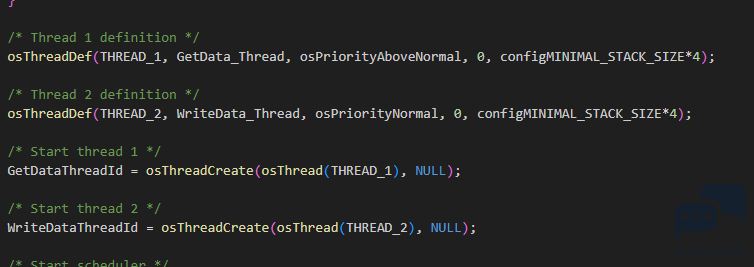
两个线程间协作模型如下
数据采集线程
采集数据--> 放入队列
写入数据线程
从队列取出-->格式化-->写入存储-->释放内存
通过两个线程设计实现了数据采集与输出的解耦 并且使用信号量 消息队列与内存块等实现了系统的高可靠性与很好的维护性,还是比较建议大家多多学习ST提供的demo设计







 微信公众号
微信公众号
 手机版
手机版